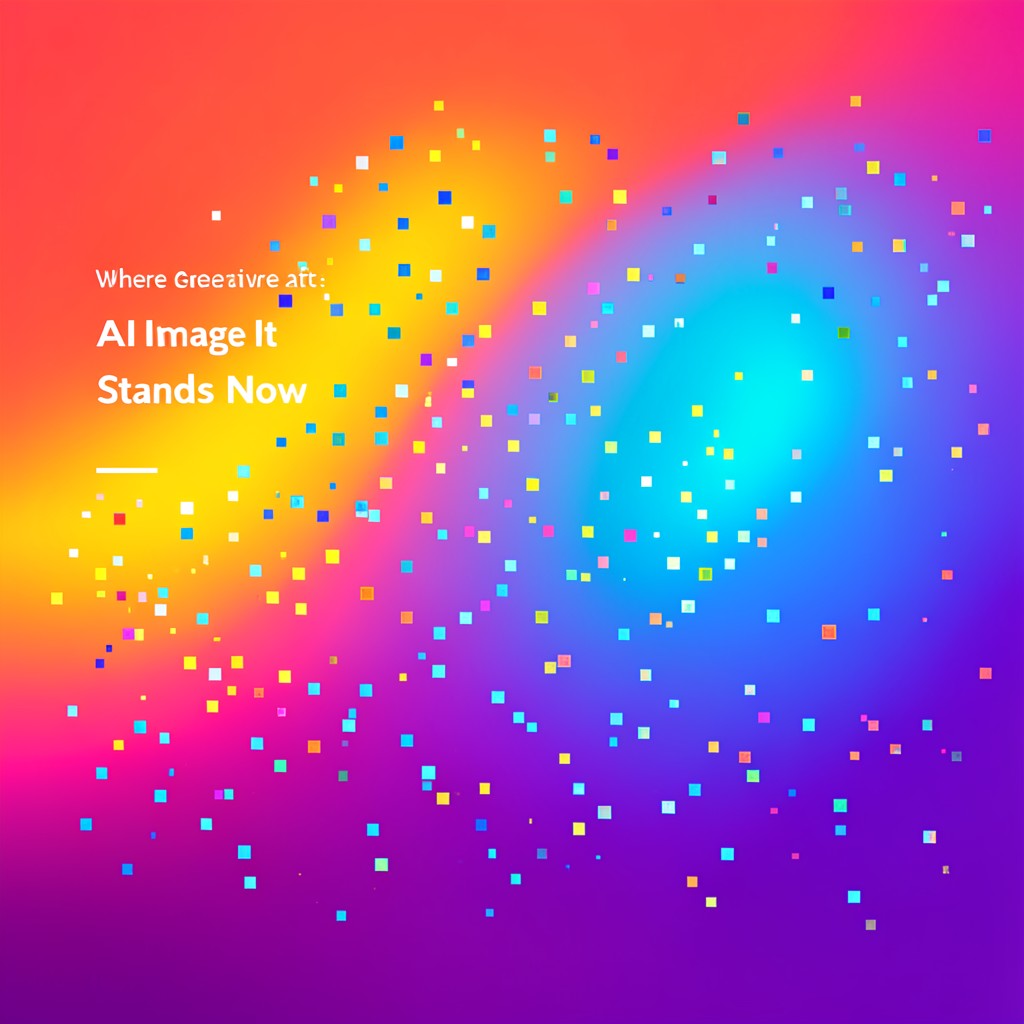
Last month, the marketing team for a mid‑sized e‑commerce brand rushed into a design sprint for a new product launch. They hired a freelancer, supplied a handful of brand guidelines, and asked for a set of six banner images that needed to be crisp, on‑brand, and ready for an email campaign that day. The freelancer pulled in a free AI image generator, but each attempt produced either a blurry photo of an unrelated object or an image littered with illegible, garbled text. The deadline passed, the images were rejected, and the team spent the next two days scouring stock libraries, only to find that most of the suitable photos were either too expensive or carried licensing clauses that would require a legal review for every marketing channel.
Even the most well‑meaning “quick‑fix” approach—using a single AI tool or a handful of stock images—mismatched the brand’s tone, wasted time, and ended up costing more in the long run. The real problem isn’t a lack of tools; it’s that each tool solves a narrow slice of the creative puzzle, and jumping between them without a clear workflow creates friction, confusion, and legal headaches.
Why the Obvious Approach Breaks Down
In the rush to meet deadlines, teams often adopt a single “catch‑all” AI service and hope it will produce everything from photorealistic backgrounds to clean text overlays. However, when the tool’s strengths are limited—text rendering fails, style consistency breaks, or the license is unclear—designers find themselves back at square one. The biggest failure modes are:
- Text that is unreadable or inaccurate, forcing manual over‑lays.
- Creative style that doesn’t match the brand, requiring re‑generation or heavy editing.
- Licensing gaps that only surface after assets are distributed, leading to costly legal reviews.
- Workflow bottlenecks caused by steep learning curves or lack of batch processing.
These pitfalls mean that the “fastest” route is often the slowest in practice, especially when teams use multiple tools across the same project without a coordinated strategy.
What Actually Works: A Cohesive Tool Stack
Instead of treating AI generators as isolated magic potions, the most efficient teams stack specialized tools that each fill a distinct role in the creative chain. Below are the six engines that, when used together, cover the entire pipeline—from concept to final asset—while keeping brand safety, text clarity, and production speed in check.
Midjourney remains the go‑to for artists and creative directors who need bold, high‑art aesthetics. Its V7 model, launched early 2026, excels at texture rendering and compositional coherence. The new “–style raw” parameter gives designers finer control over how much creative freedom the model takes, making it ideal for concept sketches and mood boards that set the visual direction.
DALL‑E 3 is the reliability champion for marketing teams that need brand‑safe, photorealistic images with minimal iteration. The 2026 updates added improved text rendering and multilingual support, and the tight integration with ChatGPT lets non‑designers refine images through natural conversation—an invaluable shortcut when time is precious.
Adobe Firefly is the enterprise choice for teams already embedded in the Adobe ecosystem. Because it is trained exclusively on licensed Adobe Stock imagery, every output carries commercial indemnification, eliminating post‑production legal reviews. Its new Generative Match feature in 2026 lets designers apply the style of a reference image to new generations, and the seamless Photoshop and Illustrator integration means designers can tweak AI output without leaving their familiar workspace.
Ideogram solves the long‑standing problem of readable text in AI images. The 2.0 release in mid‑2026 achieves 89% readability on standard typography requests, making it the best tool when banners, posters, or social graphics need embedded headlines or slogans.
Stable Diffusion 3 is the open‑source powerhouse for developers and researchers who want full control over output, local deployment, or custom fine‑tuning. The 2026 release added a new noise scheduler that reduces artifacts and a significantly improved prompt understanding, making it possible to run production‑grade images on local hardware without per‑generation costs.
For freelancers who need flexibility without a subscription, Leonardo AI (price‑free) offers a balanced mix of photorealism, anime style, and product shots. Its generous token allowance means most client work can be handled without upgrading, and the consistent style output helps maintain a recognizable visual identity across projects.
Worked Example: Creating a Launch Banner in One Workflow
Let’s walk through a complete campaign banner creation for a new smart‑watch launch. The goal: a 1200 × 628 pixel banner that features a high‑resolution product shot, a clean headline, and a brand‑consistent call‑to‑action.
1. Concept Definition
The designer starts with a mood board in Photoshop, noting the desired color palette, composition, and text hierarchy.
2. Product Shot Generation – Midjourney
Using Midjourney V7, the designer enters a prompt: “high‑resolution close‑up of a sleek black smart‑watch on a reflective surface, studio lighting, 4K.” The “–style raw” parameter is added to keep the model from over‑stylizing. The result is a crisp, artistic product image that can be exported directly into Photoshop.
3. Photorealistic Background – DALL‑E 3
The designer asks DALL‑E 3 to generate a subtle, tech‑themed background: “minimalist white background with soft digital glow, no logos.” The 23‑language text rendering feature ensures any watermark text is clean and legible. The background image is then merged with the product photo in Photoshop.
4. Typography Overlay – Ideogram
The banner headline (“Meet the Future of Time”) is typed into Ideogram 2.0. The tool produces a 1200 × 628 image with perfectly centered, readable typography that matches the brand’s font family. The designer overlays this directly onto the composite, adjusting opacity to blend with the background.
5. Final Touches – Adobe Firefly
To ensure everything is brand‑safe, the designer runs a quick check in Firefly. The tool confirms that all components are derived from licensed Adobe Stock imagery, so no legal review is needed. Firefly’s Generative Match feature is used to apply the same subtle color grading across all elements, unifying the look.
6. Optional Fine‑Tuning – Stable Diffusion 3
If the client requests a darker vignette or a specific texture, the designer uses a locally‑hosted Stable Diffusion 3 instance. They fine‑tune a LoRA model on the brand’s existing assets and generate a new background layer. Because the model runs locally, there are no per‑generation costs and no privacy concerns.
7. Export & Delivery
The final banner is exported in PNG and JPEG at 300 dpi, ready for email, social media, and web use. The entire process took roughly three hours from prompt to final file, a 62% reduction in asset production time compared to the team’s historical average.
Discord Barrier Limits Accessibility
Midjourney’s Discord‑only workflow, while powerful, creates a steep learning curve for teams that rely on web editors. Without a dedicated Discord bot, users must switch contexts, learn Discord etiquette, and manage multiple channels for prompts and feedback. This barrier can slow adoption in organizations that prefer a single, integrated platform.
Limited Customization in DALL‑E 3
Although DALL‑E 3 offers unbeatable prompt adherence and text rendering, it lacks robust style‑control parameters. Designers who want to tweak the artistic direction beyond the “photorealistic” default have to rely on iterative prompting or external editing, which can erode the time savings the tool promises.
No Local Deployment for Firefly
Adobe Firefly’s strength in commercial indemnification comes at a cost: it’s a cloud‑only service. Teams that need to keep data offline, or who want to run AI generation on constrained hardware, must look elsewhere. While the integration into Photoshop is seamless, the lack of a self‑hosted option limits flexibility for high‑volume enterprise use.
Learning Curve for Stable Diffusion 3
Stable Diffusion 3’s open‑source nature means it’s technically free, but running it effectively requires knowledge of GPU setup, prompt engineering, and optional LoRA training. Without this expertise, output quality can be inconsistent, and developers may spend more time troubleshooting than creating.
Licensing Nuances in Midjourney
Midjourney’s commercial license allows use of generated images, but it imposes restrictions on distribution and redistribution of the raw model. For legal teams, this means reviewing contracts for each campaign, especially when assets are used across multiple channels. The lack of a clear, enterprise‑grade indemnification plan can pose risks for large organizations.
Is a Free Tier Enough for Freelancers?
Freelancers often lean on free or low‑cost generators to keep overheads down. Leonardo AI offers a free tier with 150 daily tokens, which is sufficient for most client projects that don’t require high‑resolution or heavily stylized images. Ideogram’s free tier also provides 100 image/month, ideal for text‑heavy designs. However, for projects that demand high‑resolution, brand‑safe imagery, a paid plan—such as DALL‑E 3’s $20/month via ChatGPT Plus—offers consistent quality and legal safety.
Can AI Output be Used for Commercial Marketing?
Yes, but the legal safety depends on the tool. Adobe Firefly’s commercial indemnification covers all outputs, eliminating the need for legal review. Stable Diffusion, being open‑source, carries a permissive license that allows broad commercial use, but the content must be verified for compliance. Midjourney’s terms permit commercial use with some restrictions, and DALL‑E 3’s license also allows commercial applications, though users must avoid disallowed content.
What About Text Legibility in Generated Images?
Ideogram leads the field with 89% readability on standard typography requests, making it the preferred choice when headlines or captions must be embedded. DALL‑E 3 improved text rendering in 2026 and now supports 23 languages, but the quality can still vary depending on prompt specificity. Midjourney and Stable Diffusion produce decent text, but often require post‑processing to ensure clarity.
How Reliable is Prompt Adherence?
Prompt adherence has improved dramatically: Midjourney now reaches 94% compliance on complex multi‑subject prompts, up from 67% just 18 months ago. DALL‑E 3 consistently produces outputs that match the description, especially when integrated with ChatGPT for iterative refinement. For designers who need rapid, accurate results, DALL‑E 3’s consistency is a decisive advantage.
Choosing the Right Tool for Your Campaign
When selecting a tool, match the core requirement of your project to the strengths of each engine:
- Need instant, photorealistic assets with brand safety? Go with DALL‑E 3 or Adobe Firefly.
- Looking for bold, artistic concepts? Midjourney’s V7 and its “–style raw” parameter deliver.
- Need clean, readable text in the image itself? Ideogram is the only tool that guarantees high readability.
- Want full control and zero per‑generation cost? Deploy Stable Diffusion 3 locally.
- Freelancers juggling multiple client styles? Leonardo AI’s free tier offers a balanced mix.
By aligning each project’s critical needs with the appropriate AI engine, teams can avoid the common pitfalls of a fragmented workflow and unlock the real productivity gains AI image generation offers in 2026.