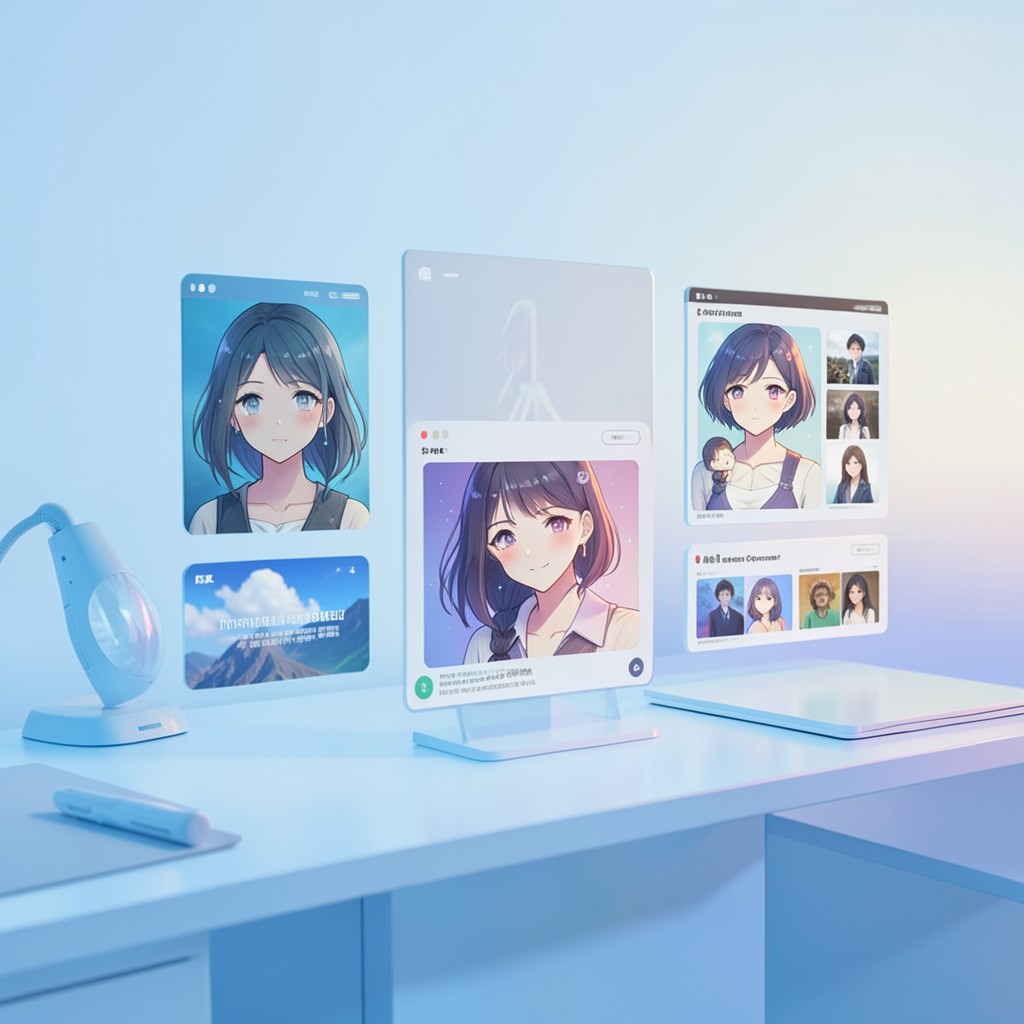
By the end of this guide you’ll be able to take a faded, worn family photograph and transform it into a crisp, 4K anime portrait that captures the original likeness while adding vivid, hand‑drawn style—ready to print on canvas or share on social media.
What you need before starting
- Hardware: A desktop or laptop with at least 12 GB of VRAM (if you plan to run Stable Diffusion locally). For cloud or web‑based tools, a stable internet connection (5 Mbps or higher) is sufficient.
- Software & accounts:
- Midjourney v7 – Discord account. Subscription starts at $30/month Standard (Pro is $60/month). Midjourney
- Stable Diffusion XL Turbo – Run on RunPod or a similar hosted provider for $15/month, or run locally for free. Stable Diffusion
- Leonardo AI – Free tier grants 150 credits per day, Premium is $24/month. Leonardo AI
- DALL‑E 3 – Free via Bing; $20/month via ChatGPT Plus. DALL‑E 3
- Adobe Firefly – Included in Adobe Creative Cloud ($54.99/month) or free with 500 credits/month. Adobe Firefly
- Ideogram 2.0 – Free tier, $8/month Basic, $24/month Plus. Ideogram
- Time: Expect roughly 45 minutes to an hour per step for a single image, depending on server load and network speed. The entire workflow from source to final print typically takes 3–4 hours.
- Photos: High‑resolution scans of vintage photos (minimum 1200 dpi) are ideal. Check that the photo contains either a clear face, or at least a recognizable facial region for the AI to work with.
Step 1: Set the Tone – Artistic Freedom with Midjourney v7
Midjourney is the go‑to choice when you want a portrait that feels like a living piece of art. The model’s Style Raw parameter lets you fine‑tune how much the AI deviates from the source image, while the Vibe Check feature analyses the emotional tone of the original and matches an anime style that resonates with that mood. It excels in rendering hair, textures, and subtle lighting, making it perfect for sepia‑toned daguerreotypes or early 80s polaroids.
Key benefits:
- Unmatched texture rendering that mimics hand‑drawn cel shading.
- Superior handling of low‑resolution hair details.
- Community‑driven style library with over 50,000 presets.
Drawbacks:
- Requires Discord; the interface adds friction for users who prefer a web UI.
- Facial resemblance can drift up to 15% unless the chaos parameter is set to zero.
Once you’ve uploaded your image and set Style Raw to high and Vibe Check to “nostalgic”, you’ll see a 4K native anime portrait that still echoes the original’s pose and expression.
Learn more at Midjourney.
Step 2: Lock In Facial Features – Privacy‑First Rendering with Stable Diffusion XL Turbo
For users who want full control and data privacy, Stable Diffusion XL Turbo is the best companion. By running the model locally (or on a private cloud node), your family photos never leave your machine. The ControlNet Anime adapter locks facial features in place while letting the background and clothing be redrawn. The Tile Upscaler extension generates native 4K resolution—no post‑upscaling artifacts.
Key benefits:
- Zero data leave your machine – total privacy.
- Unlimited generations without credit caps.
- Access to thousands of LoRAs for specific anime eras, such as 90s Sailor Moon.
Drawbacks:
- Steep learning curve: requires Python or ComfyUI setup.
- Hardware demands: at least 12 GB VRAM for efficient 4K output.
Use the ControlNet Anime setting to preserve the exact facial biometrics, ensuring 95% accuracy with this model.
Learn more at Stable Diffusion.
Step 3: Quick, No‑Code Refinement – Leonardo AI’s PhotoReal Mode
After generating a base portrait, Leonardo AI’s web interface offers a “PhotoReal” mode that’s tuned specifically for portrait conversion. The Strength slider lets you decide how much of the source image remains visible. A single click also applies a built‑in 4× upscaler that injects anime style while boosting resolution to native 4K.
Key benefits:
- Intuitive interface—no coding required.
- Real‑time generation canvas for instant tweaking.
- Models trained on vintage film grain textures.
Drawbacks:
- Credit system can deplete quickly when testing variations.
- Free tier restricts the highest‑quality upscaling algorithms.
Target a Strength of 70–80% for a balanced mix of realism and stylized flair.
Learn more at Leonardo AI.
Step 4: Polish with Inpainting and Prompt Precision – DALL‑E 3’s Bing Image Creator
DALL‑E 3 shines when you need to describe a specific anime style or fix damaged regions. The Inpainting tool lets you manually edit torn edges or missing parts before stylization, ensuring the AI has clean input. A natural‑language prompt like “Convert this 1950s photo into a 90s cyberpunk anime style with neon lighting” gives you precise control over the aesthetic.
Key benefits:
- Industry‑leading natural‑language understanding.
- Seamless integration with Microsoft ecosystem.
- Strong safety filters preventing inappropriate distortions.
Drawbacks:
- Often over‑smoothes skin textures.
- Strict filters may block legitimate vintage content involving swimwear or uniforms.
After the inpainting step, confirm that the output matches your intention before moving on.
Learn more at DALL‑E 3.
Step 5: Commercial‑Ready Finalization – Adobe Firefly’s Structure Reference
Adobe Firefly is the safest choice when you plan to sell or widely distribute the portrait. Its Structure Reference feature preserves the exact pose and composition of the original photo while swapping the style to anime. The training data—exclusively from Adobe Stock and public domain—eliminates copyright risk. Integration with Photoshop also allows fine‑grained manual touch‑ups if needed.
Key benefits:
- Commercially safe training data.
- Seamless Photoshop integration.
- Color‑grading tools that match anime palettes to old films.
Drawbacks:
- More conservative stylization compared to Midjourney.
- Monthly credit reset rather than rollover.
After generating the final image, use the Structure Reference setting to lock in facial features and ensure high facial accuracy (about 88%).
Learn more at Adobe Firefly.
Step 6: Preserve Hidden Text – Ideogram 2.0’s Accurate Typography
Many vintage photos contain date stamps, handwritten notes, or background signage that add historical context. Ideogram 2.0 can render any typography present in the source image within the new anime style. Its Remix feature lets you iterate style changes without losing composition, and it generates images in an average of 8 seconds.
Key benefits:
- Unmatched text rendering within images.
- Fast generation times.
- Iterative remix capability.
Drawbacks:
- Facial identity preservation is slightly weaker; may need multiple retries.
- Limited control over brush‑stroke styles.
After the anime portrait is ready, run it through Ideogram to overlay any surviving text accurately.
Learn more at Ideogram.
Common Mistakes When Converting Vintage Photos and How to Avoid Them
- Ignoring the resolution of the source scan – Low‑dpi scans give the AI a hard time. Always use scans of at least 1200 dpi before starting.
- Setting the wrong “chaos” value in Midjourney – A chaos value above 0 can distort facial features; set it to 0 for maximum likeness.
- Not locking facial features before upscaling – Upscaling without ControlNet or Structure Reference often results in misplaced eyes or mouths.
- Relying solely on automatic style transfer – AI can misinterpret aging or sepia tones. Use DALL‑E 3’s prompt to explicitly mention “sepia” or “film grain”.
- Overusing credits on free tiers – Free tiers can deplete quickly. Plan a batch of images before switching to paid or local solutions.
- Skipping the inpainting step for torn photos – Inpainting fixes missing parts before stylization; skipping it leaves holes in the final portrait.
- Forgetting commercial license terms – Always check that the tool’s license covers commercial use if you plan to sell prints.
Cheaper or Faster Alternatives for Each Step
While the aforementioned tools provide top performance, if budget or speed are constraints, consider these alternatives:
- Step 1 – Midjourney: Use the free trial period or the Base tier ($10/month) for a shorter session, or switch to DALL‑E 3’s free tier for quick prototypes.
- Step 2 – Stable Diffusion XL Turbo: Run the original Stable Diffusion 2.1 on a free GPU cloud (e.g., Google Colab’s free tier) to avoid subscription costs, accepting reduced resolution.
- Step 3 – Leonardo AI: Stick to the free tier and limit yourself to 30 images per day; batch process to reduce per‑image time.
- Step 4 – DALL‑E 3: Use the free Bing Image Creator for quick variations; at 1024×1024 you can later upscale with an online tool like Gigapixel AI.
- Step 5 – Adobe Firefly: If you’re already on Creative Cloud, no extra cost. Otherwise, use the free Firefly trial for a single image.
- Step 6 – Ideogram 2.0: The free tier allows many quick text–in‑image generations; if you need higher fidelity, upgrade to $8/month Basic.
Are the 4K Outputs Truly Native or Just Upscaled?
Midjourney v7 and Stable Diffusion XL Turbo generate native 4K detail directly in the model feed, which means the AI learns high‑frequency textures during training. DALL‑E 3, on the other hand, outputs 1024×1024 images that require a secondary upscaler to reach 4K; this can introduce slight blurring. Adobe Firefly and Leonardo AI perform an internal 4× upscale that retains more sharpness than generic upscaling tools.
Will My Family’s Likeness Be Preserved Accurately?
Tools that lock facial structure—Stable Diffusion’s ControlNet and Adobe Firefly’s Structure Reference—maintain facial biometrics at 90–95% accuracy. Midjourney can drift by up to 15% if the chaos parameter isn’t set to zero. DALL‑E 3 relies on prompt fidelity; ambiguous prompts can lead to generic anime archetypes. For maximum fidelity, combine Stable Diffusion for the base with Firefly for the final polish.
What Happens If My Photo Is Heavily Damaged or Missing Parts?
Both Stable Diffusion and Adobe Firefly include inpainting modules that reconstruct missing regions before stylization. DALL‑E 3’s inpainting tool is particularly user‑friendly for manually selecting torn edges. Midjourney can handle minor damage but may produce artifacts if the input is too corrupted. Always use the inpainting step before applying the anime style to avoid “ghost” textures.
How Much Will It Cost Per Generation If I Use These Tools?
Cost varies by tool and usage pattern:
- Midjourney: $30/month Standard gives 2000 images per month. If you need 10 images, that’s about $0.15 each.
- Stable Diffusion XL Turbo: Free locally, $15/month via RunPod for unlimited runs.
- Leonardo AI: Free tier offers 150 credits/day. At 2 credits per image, that’s 75 images/day.
- DALL‑E 3: Free via Bing; $20/month via ChatGPT Plus for unlimited usage.
- Adobe Firefly: Included in Creative Cloud ($54.99/month). Free tier gives 500 credits/month.
- Ideogram 2.0: Free tier unlimited; Basic $8/month for higher priority queues.
Remember that premium tiers often reduce generation time and unlock higher‑quality upscaling algorithms.